
22 Sep 2025

iOS (low data mode)
How to Avoid High Data Usage on iPhone
Mobile data can be consumed very quickly if certain settings are not configured correctly. If you are using an eSIM while traveling, enabling Low Data Mode can help reduce your data usage.
Enable Low Data Mode
To reduce mobile data usage on your iPhone:
Go to:
Settings → Mobile Service → Data Mode
Then select Low Data Mode. This setting helps reduce background network activity and saves mobile data.
Other Suggestions
- Disable automatic app updates.
- Disable background app refresh.
- Avoid streaming videos in high resolution.
- Download large files only when connected to Wi-Fi.

List of eSIM compatible devices
22 Sep 2025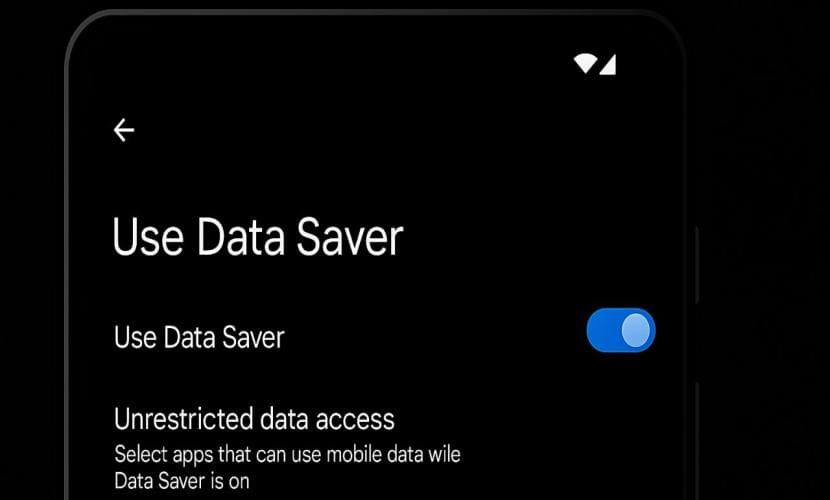
Android (Data Saver)
22 Sep 2025
Troubleshooting Common eSIM Activation Issues
07 Jul 2025
